CrewAI अच्छा है! — मेरी पहली छापें
CrewAI के साथ AI-generated podcasts बनाने के 10 दिन बाद, मैंने सीखा कि framework remarkably आसान use करने में है, लेकिन quality content के लिए अभी भी real human effort चाहिए।
मुझे CrewAI कुछ हफ्ते पहले course "Practical Multi AI Agents and Advanced Use Cases with crewAI" के ज़रिए मिला। हालाँकि मैं initially hesitant था क्योंकि मैं पहले से अपने agent Sydney के लिए Langgraph use कर रहा हूँ, दो चीज़ों ने मेरी interest spark की:
- मैं scratch से podcasts बनाने के तरीके explore कर रहा था, खासकर Gen AI को अपने 15 साल के blog content पर "reason" करने के लिए उपयोग करने के तरीके पर focus करते हुए, न कि सिर्फ posts को copy-paste करते हुए। मैंने इसके लिए NotebookLLM try किया था (जो okay काम किया, आप podcast episode यहाँ check कर सकते हैं), लेकिन मैं conversation flow और opening hooks पर ज़्यादा control चाहता था।
- मैं कुछ नया सीखना और OpenAI के text-to-speech models के साथ experiment करना चाहता था।
Update Nov 2025: मैंने agent framework use करना graduate किया और Claude Code और Google Gemini CLI के साथ scratch से coding शुरू की। इससे मुझे बहुत ज़्यादा control मिला। मेरी latest launches हैं STRAŦUM (market intelligence) और DIALØGUE (AI podcast generator) — जो directly इस CrewAI experiment से evolve हुए।
CrewAI के साथ लगभग 10 दिन खेलने के बाद, यहाँ मेरी key observations हैं:
1. अच्छी बातें
1.1 शुरू करना Surprisingly आसान है
- Initial learning curve remarkably short है — मैं कुछ घंटों में up और running था
- Custom tools set up करना (जैसे Weaviate को vector store के रूप में use करके मेरे blog से content retrieve करना) straightforward था।
- YAML files का उपयोग करके plain English में agents और उनके tasks describe करने की ability powerful है (Pro tip: Visual Studio Code का autocomplete बहुत helpful है!)
1.2 Flexible model selection
अलग-अलग LLMs के बीच switch करना उतना ही simple है जितना अपनी crew.py update करना:
llm_openai_4o_mini = LLM(model="gpt-4o-mini", temperature=0)
llm_anthropic_35 = LLM(model="claude-3-5-sonnet-20240620", temperature=0)
llm_openai_4o = LLM(model="gpt-4o", temperature=0)
llm_gemini_15_pro = LLM(model="gemini/gemini-1.5-pro-002", temperature=0)
आप फिर अपनी strengths के आधार पर specific models को different agents को assign कर सकते हैं।
@agent
	def content_researcher(self) -> Agent:
		return Agent(
			config=self.agents_config['content_researcher'],
			llm=llm_anthropic_35,
			tools=[BlogContentRetrievalTool()],
			verbose=True
		)
1.3 Text-to-Speech: Promise और Limitations
जबकि OpenAI का text-to-speech API quality में impressive है, अभी यह केवल six voice models offer करता है। Podcast creation के लिए, यह काफी limiting है — खासकर जब आप multiple hosts के बीच engaging conversations बनाने की कोशिश करते हैं। मुझे AI safety concerns भी समझ में आती हैं।
2. Reality Check: यह सिर्फ "Click and Create" नहीं है
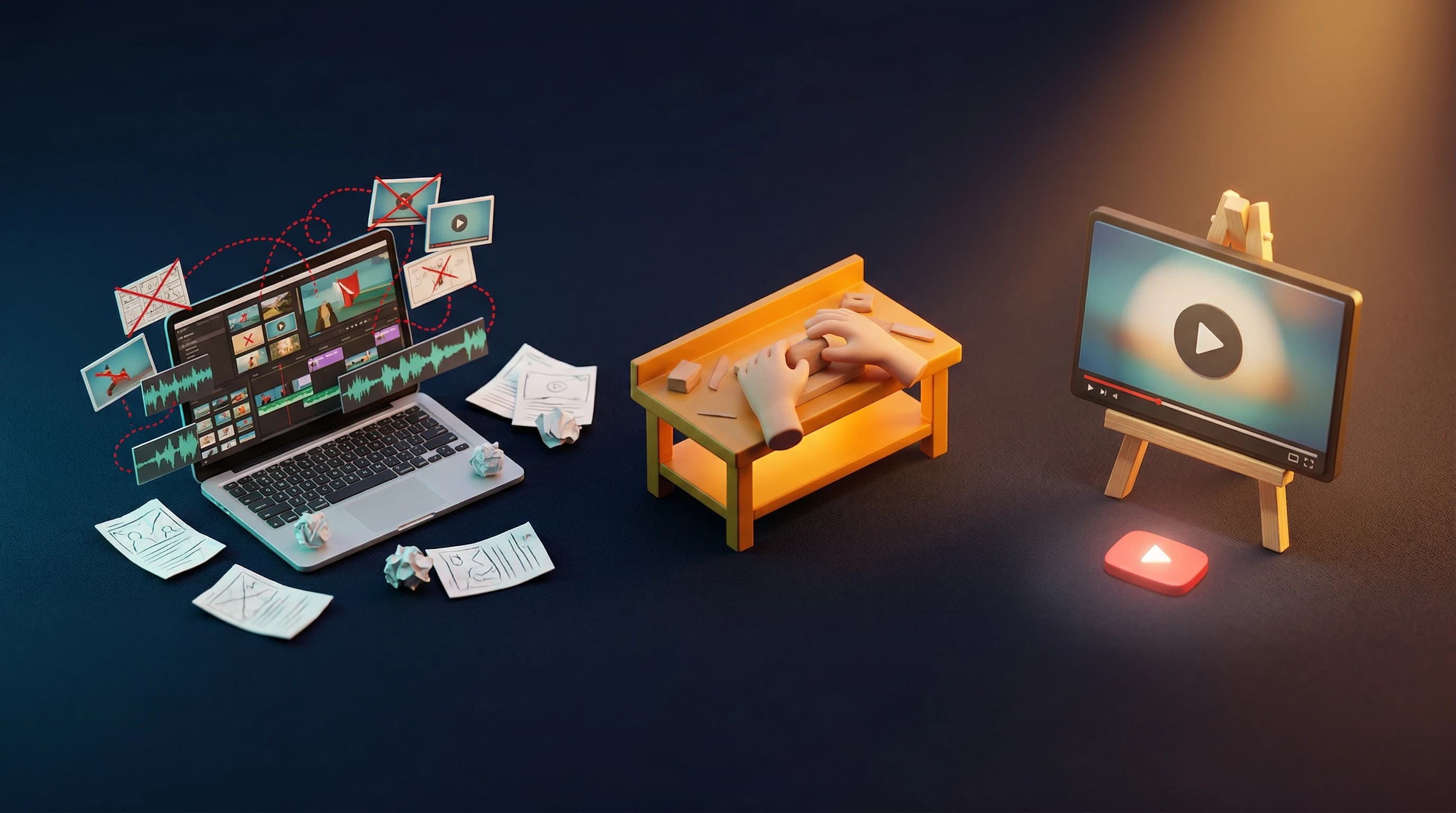
Initially, मुझे चिंता थी कि यह AI-generated content (या "AI Slop") की flood में contribute कर सकता है। आखिरकार, मैं लगभग 5 मिनट में एक 15-minute podcast script generate कर सकता था।
हालाँकि, पहले कुछ initial scripts actually पढ़ने/review करने के बाद मेरा perspective बदल गया।
Quality content बनाने के लिए अभी भी significant work चाहिए!
2.1 Thoughtful Agent Structure
मुझे AI crew का structure multiple times revise करना पड़ा, additional roles add करते हुए, खासकर "fact_checker" की role। मेरे current podcast crew में शामिल हैं:
- Content researcher
- Script writer
- Fact checker
- Script editor
- Audio producer
2.2 Continuous Refinement
Success के लिए ज़रूरी है:
- Industry-specific language का उपयोग करके प्रत्येक agent के goals और tasks को carefully define करना।
- Tool access के साथ selective रहना (ज़्यादा हमेशा बेहतर नहीं होता)। Agents के continuous loops में फंसना आसान है।
- Agents के बीच clear delegation rules
- Specific output structure requirements
- "What good work looks like" के well-defined quality criteria (मैंने यहाँ अपनी बेटी को भी शामिल किया — वो creative वाली है! :D)
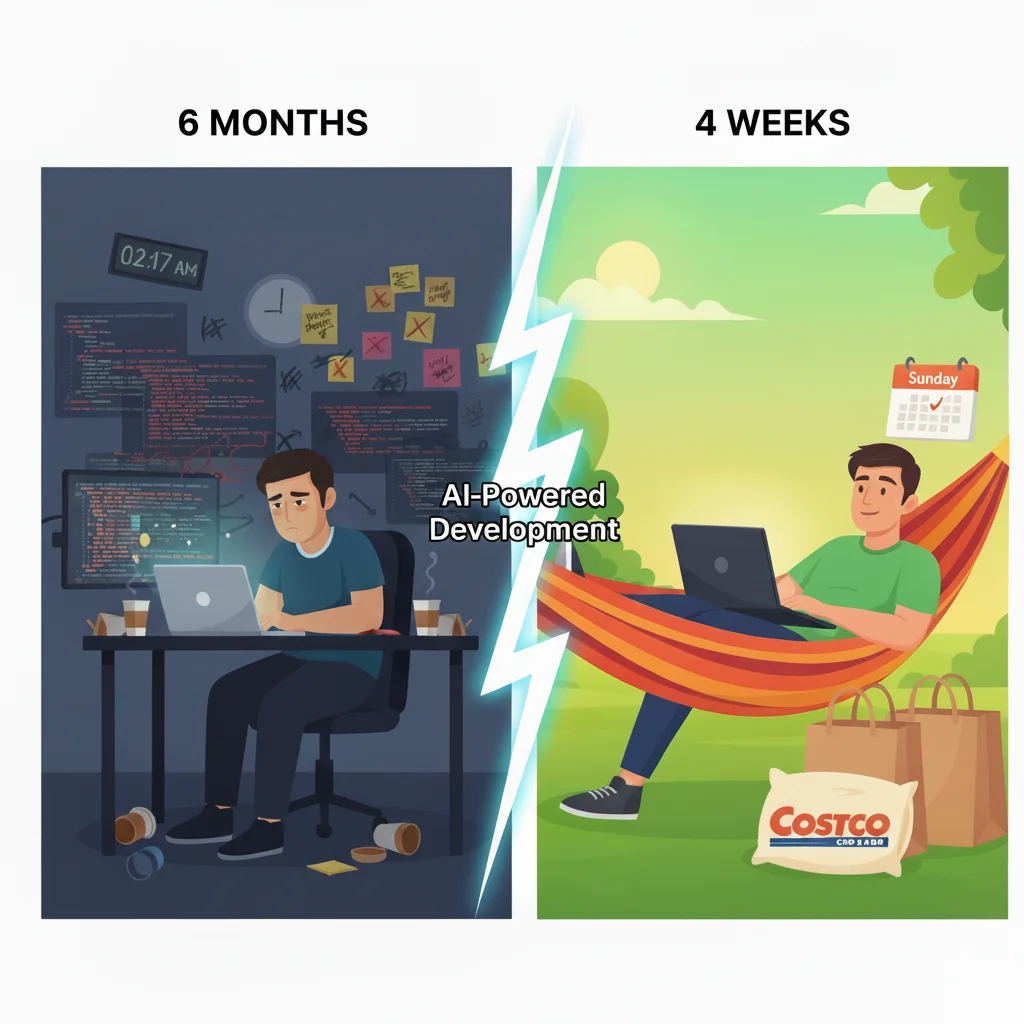
AI agents के crew का उपयोग करने से मेरे काम में significantly (कम से कम 5X) speed up होता है, लेकिन quality content बनाना अभी भी मेरे ऊपर है।
2.3 Model selection matters
अलग-अलग LLM models के distinct "personalities" और varying levels of instruction-following हैं।
कुछ observations:
- उसी model के लिए API responses web chat interface responses से differ कर सकते हैं
- अभी, मैं API का उपयोग करके long-form content के लिए Anthropic models prefer करता हूँ।
- Coding tasks के लिए OpenAI का o1-preview मेरा go-to है
2.4 Feedback और Memory Game-Changers हैं
आपको अपने AI crew को feedback provide करना होगा। वे directions follow करने में अच्छे हैं लेकिन वे नहीं जानते कि आप क्या चाहते हैं।
CrewAI के साथ, यह काफी simple है simply run करके:
crewai train -n <n_iterations> <filename> (optional)
3. Results दिखाइए!
यहाँ एक complete workflow example है:
- Research Phase: देखें कि Content Researcher agent ने मेरे blog posts से key information कैसे analyze और extract की
- Fact Check Summary: Fact Checker का detailed verification report
- Initial Script Draft: Script Writer का पहला podcast conversation draft
- Final Polished Script: Script Editor का refined version
- Result सुनें: Audio Producer agent द्वारा produced final audio version
Final thoughts
CrewAI ने simplicity और power के अपने balance से मुझे impress किया है। जबकि यह content creation को ज़्यादा accessible बनाता है, यह कोई magic button नहीं है — quality के लिए अभी भी expertise, careful planning, और continuous refinement चाहिए।
क्या आपने CrewAI या Langgraph जैसे multi-agent frameworks के साथ experiment किया है? मुझे बताएं कि आप उनके साथ क्या build कर रहे हैं।
शुभकामनाओं सहित, Chandler
Update Jan 2026: यह CrewAI experiment eventually DIALØGUE बन गया — एक full production app। मैंने जो voice limitation mention किया था? मैंने eventually Gemini TTS पर switch किया, जिसने मुझे 7 languages में 30 voices दिए। 6 OpenAI voices से काफी upgrade! अगर curious हैं, इसे check करें।