मैंने Full-Time Job करते हुए अकेले 7-Module Course कैसे बनाया
एक इंसान। सात modules। तीन घंटे video। पंद्रह templates। 18 layout types वाली custom slide pipeline। Professional voice clone। ये सब VP की full-time job करते हुए। AI-first operating model जब खुद पर apply करो तो ऐसा दिखता है।
मैं लोगों को बताता रहता हूँ कि AI-first operating model से एक छोटी team उस level पर produce कर सकती है जिसके लिए पहले बहुत बड़ी team चाहिए होती थी। फिर मुझे realize हुआ कि शायद मुझे इसे prove करना चाहिए।
तो ये है "AI-Native Media Operations: From Workflow to Operating Model" बनाने की कहानी — एक 7-module, ~3 घंटे का video course जिसमें 15 templates, companion guides, 50-page deep-dive PDF, और executive resources हैं — VP की full-time job करते हुए।
मैं ये किसी को impress करने के लिए share नहीं कर रहा, बल्कि इसलिए कि production process खुद उस operating model का case study है जो course सिखाता है। और इसलिए भी कि मुझे लगता है लोग underestimate करते हैं कि एक person और सही AI tools से क्या possible है — जबकि ये कितना easy है, उसे overestimate भी करते हैं।
Pipeline
Course production pipeline के चार phases हैं। हर एक AI-augmented है, और हर एक में specific points पर real human judgment ज़रूरी था।
Phase 1: Content & Slides
मैंने course content Markdown में लिखा — हर module के लिए एक file, एक specific format में: **On screen:** जो audience देखती है, **Speaker notes:** voiceover script के लिए, और **Companion notes:** written companion के लिए जो video से ज़्यादा deep जाता है।
Slide rendering एक custom pipeline use करती है जो मैंने बनाई: Markdown → 18 अलग-अलग layout types (title, flow-diagram, stat-callout, two-column, checklist, before-after, timeline, और बाकी) → warm editorial design system में rendered HTML।
AI ने क्या handle किया: मेरे outlines से initial slide content draft करना, layout types suggest करना, CSS और rendering code generate करना।
Human judgment कहाँ ज़रूरी था: हर content decision। कौन से frameworks include करने हैं और कौन से cut। Argument कैसे sequence करना है। क्या slide के लिए बहुत ज़्यादा है और companion guide में जाना चाहिए। Design system खुद — dark-mode default पर warm light mode चुनना, color palette, font pairing।
Phase 2: Voice
Narration ElevenLabs Professional Voice Clone use करती है — मेरी actual voice, मेरे recorded samples से clone की गई। ये generic AI voice नहीं है। ये मेरी voice है, मेरे लिखे speaker notes से generated।
Pipeline word-level timestamps के साथ audio generate करती है, जो Phase 3 slide transitions को narration से sync करने के लिए use करता है। Progressive reveals वाली slides (bullet lists, checklists, flow diagrams) fragment by fragment advance होती हैं, बोले जा रहे words के साथ timed।
AI ने क्या handle किया: सारी audio generation, word-level timestamp extraction, fallback के लिए silence detection।
Human judgment कहाँ ज़रूरी था: Speaker notes लिखना। हर voiceover script multiple revisions से गुज़रा — इसलिए नहीं कि AI generate नहीं कर सकता था, बल्कि इसलिए कि "technically correct" और "कुछ ऐसा जो मैं actually कहूँगा" — ये दोनों अलग चीज़ें हैं। मुझे voice settings भी tune करनी पड़ीं: stability, similarity, style, speed। पहली attempts robotic लग रही थीं। Natural sound पाने में कई iterations लगे।
Phase 3: Video Assembly
हर rendered slide के screenshots + corresponding audio segments → final MP4 videos में assemble। Fragment sync system audio को natural word boundaries पर split करता है ताकि progressive reveals narration के साथ timed लगें, arbitrarily chopped नहीं।
AI ने क्या handle किया: पूरी assembly pipeline — screenshot capture, word boundaries पर audio splitting, ffmpeg assembly, silence padding।
Human judgment कहाँ ज़रूरी था: Final videos review करना। वो slides catch करना जहाँ fragment timing गलत लग रही थी। ऐसी transitions identify करना जिन्हें voiceover smoothing चाहिए था। सिर्फ last round में ही सातों modules में लगभग 29 transition fixes।
Phase 4: Materials
पंद्रह templates, 50-page deep-dive guide, हर module की companion guides, executive resources (board presentation template, delegation guide, ROI worksheet, executive briefs)।
AI ने क्या handle किया: ज़्यादातर templates के first drafts, companion guide structure, formatting।
Human judgment कहाँ ज़रूरी था: सारे content decisions। Workflow Audit template generic AI output नहीं है — ये 20 साल तक teams को workflow audit करते और गलत करते देखने से design किया गया है। ROI Worksheet में मेरे अपने products से real cost data है क्योंकि मैं numbers invent नहीं करना चाहता था। हर template multiple revision passes से गुज़रा।
Actually कितना Time लगा
मेरे पास exact hour count नहीं है क्योंकि मैंने ये evenings और weekends में कई महीनों में किया, full-time VP role के साथ। लेकिन rough breakdown ये है:
- Content writing और revision: सबसे ज़्यादा time। हफ्ते। Course content multiple review cycles से गुज़रा — external reviewers ने feedback दिया जिसने Modules 6 और 7 की structure significantly बदल दी।
- Slide pipeline development: Rendering system, layout types, और design system बनाने में time लगा — लेकिन ये future courses के लिए reusable हैं।
- Audio generation: Voice settings tune होने के बाद fast। हर module के लिए generation + spot-checking में एक-दो घंटे।
- Video assembly: ज़्यादातर automated। Bottleneck generation time नहीं, review time था।
- Templates और materials: पूरे set के लिए कुछ दिन।
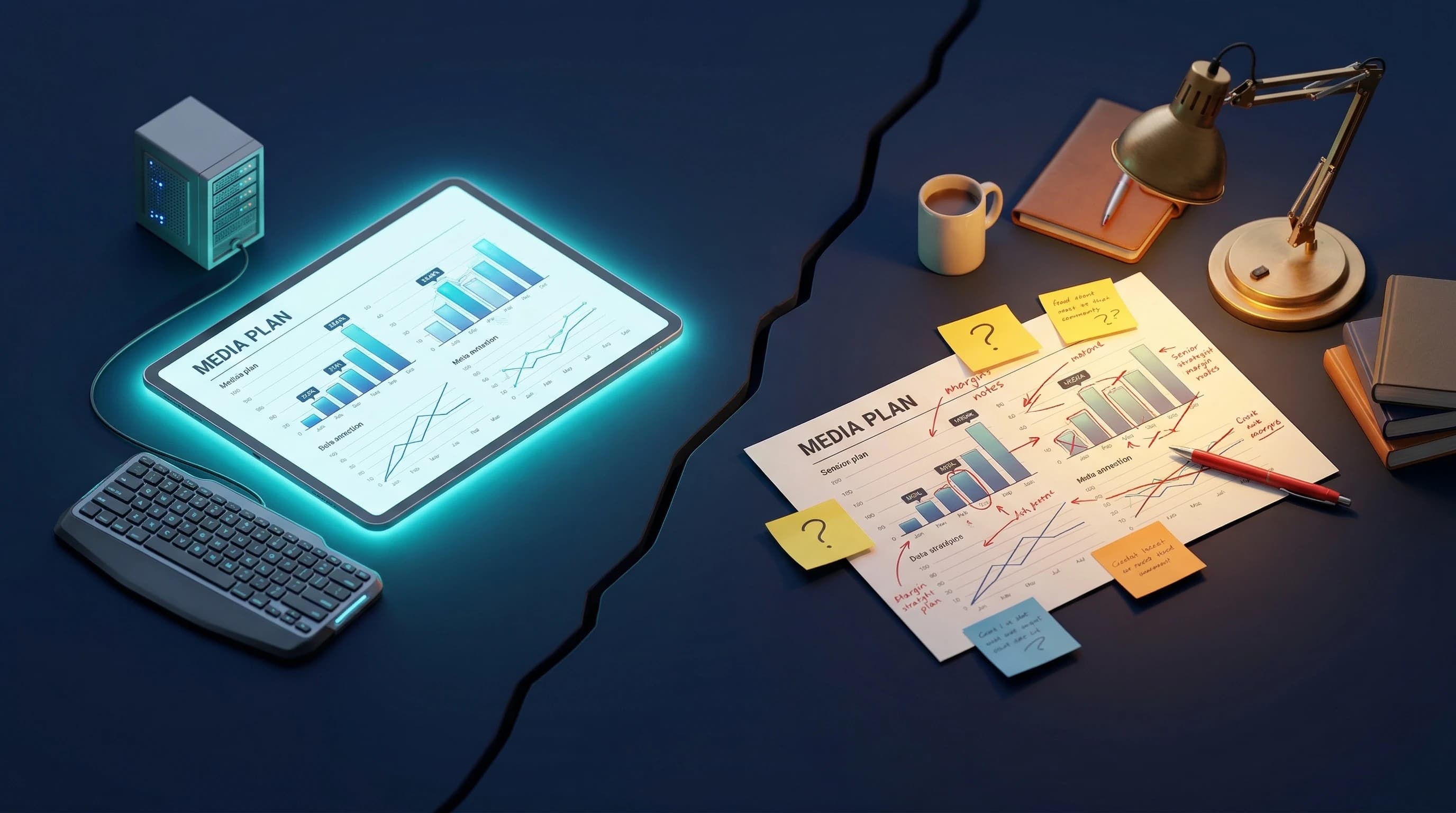
अगर मैंने production team hire की होती — designer, video editor, voice talent, template designer — तो ये tens of thousands of dollars cost करता और months of coordination लगती। Instead, API credits और मेरा time लगा।
60/40 Split
पिछले महीने एक blog post में मैंने 60/40 principle के बारे में लिखा था: AI आपको लगभग 60% तक ले जाता है, और बाकी 40% human refinement है। ये course बनाकर confirm हो गया।
AI ने production handle किया — rendering, audio generation, video assembly, first drafts। ये 60% है। Human ने judgment handle किया — content decisions, design taste, quality review, revision after revision। ये 40% है।
40% में सारी value है। इसके बिना, ये एक AI-generated course होता जो technically complete और experientially hollow है। इसके साथ, हर slide का exist करने का reason है, हर speaker note ऐसा लगता है जो मैं actually एक meeting में कहूँगा, और हर template किसी के Monday morning actually use करने के लिए designed है।
मैं ये क्यों बता रहा हूँ
क्योंकि course एक AI-first operating model सिखाता है, और मुझे लगता है ये fair है दिखाना कि मैं जो सिखाता हूँ, खुद practice भी करता हूँ।
मैंने production method course में ही disclose किया है — Module 1 में एक transparency slide है जो exactly बताती है कि course कैसे बना। Voice PVC है। Slides custom pipeline हैं। Companions Claude के साथ co-written। मैं इसमें से कुछ नहीं छुपा रहा।
अगर एक person VP की full-time job करते हुए 7-module course produce कर सकता है, तो आपकी 20 लोगों की team same operating model से dramatically ज़्यादा कर सकती है। Tools same हैं। Leverage ज़्यादा है।
यही thesis है। ये course proof है।
मैं अलग क्या करता
- Content से पहले design system बनाओ। मैंने slide system production के बीच में design किया और पहले के modules retrofit करने पड़े। अगली बार: पहले design system, फिर उसमें fit होने वाला content लिखो।
- External review पहले लो। Modules 6-7 reshape करने वाला reviewer feedback late आया। अगर Module 3 के बाद मिला होता, तो पूरा course tighter होता।
- Speaker notes slides से harder हैं। मैंने underestimate किया कि voiceover scripts को कितनी revision चाहिए। "Clearly लिखो" और "spoken delivery के लिए लिखो" — ये अलग skills हैं।
बस इतना ही। अगर आप course, knowledge product, या कोई content-heavy project बनाने के बारे में सोच रहे हैं — tools available हैं। Operating model काम करता है। बस उस 40% का budget रखना।
Cheers, Chandler