Nobody Tells You: The Real Work Starts After the AI Says 'Done'
I'm building my first iOS app without knowing Swift. Claude Code scaffolded the whole thing in an evening. Then I opened the Simulator, and the real work began.
I've never opened Xcode in my life.
I don't know Swift. I don't know SwiftUI. I don't know what a @Observable macro does or why AVAudioSession needs a category. Two days ago, if you'd asked me what StoreKit was, I would have guessed it was a furniture app.
And yet I'm building a native iOS app — and discovering that AI-generated code gets you about 60% of the way. The last 40%, the part where a codebase becomes a product, is entirely human work. That's what none of the "I built X with AI" posts ever mention.
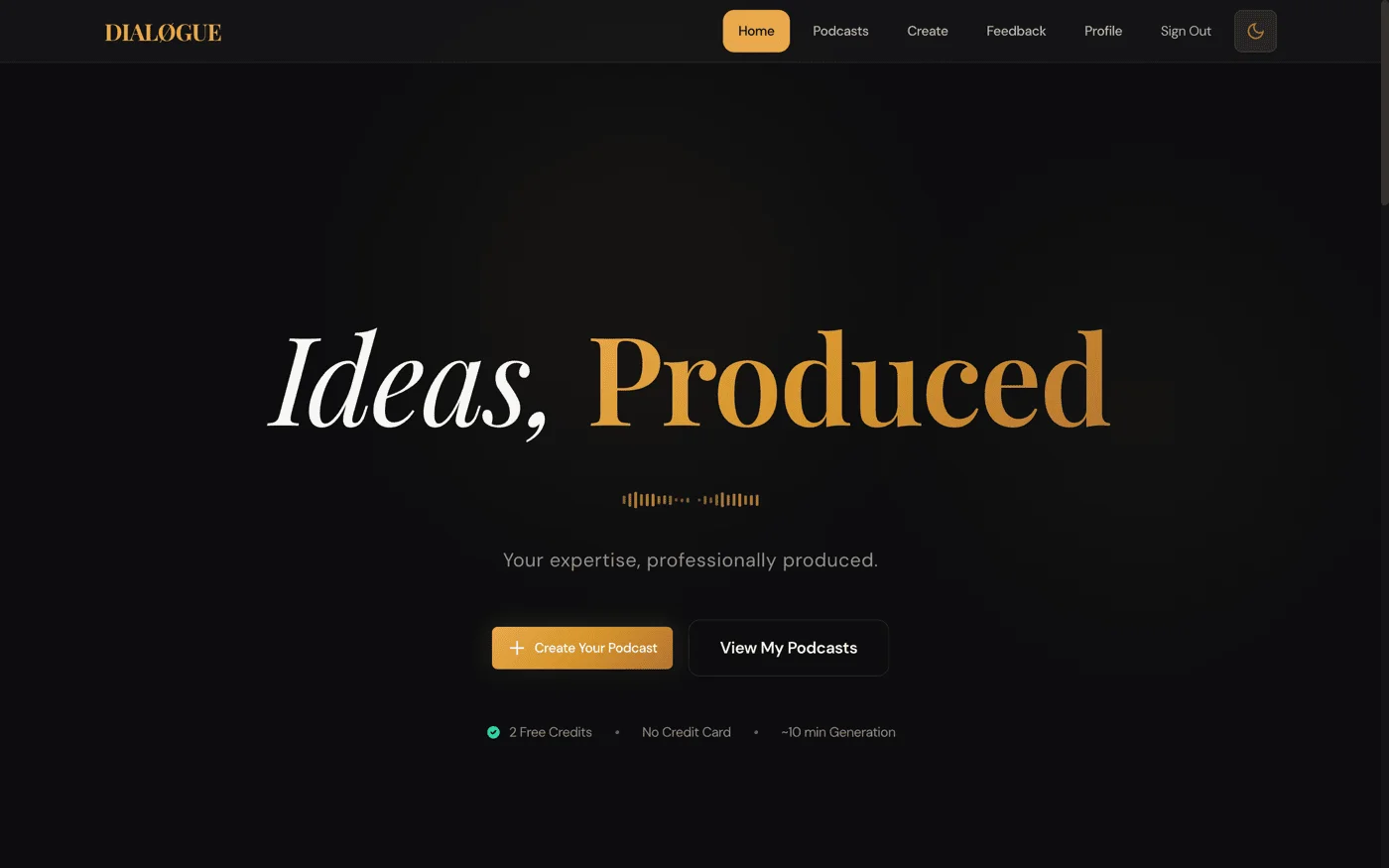
The app is for DIALØGUE — my AI podcast generator. Not a web wrapper. Not React Native. A real SwiftUI app with Apple Sign-In, in-app purchases, an audio player with lock screen controls, and localization in 7 languages.
Why now?
On February 3, Apple announced that Xcode 26.3 would support agentic coding — with Anthropic's Claude Agent SDK built in. Not just autocomplete. Not just turn-by-turn suggestions. Full autonomous agents that can explore your project structure, search Apple's documentation, capture Xcode Previews to see what they're building, and iterate through builds and fixes on their own.
Claude Code can now talk to Xcode over MCP. It can see the Simulator. It can read build warnings and error messages. It can look at what the UI actually looks like and decide if it needs to change.
That changed the math for me. I'd been thinking about a native iOS app for months but kept putting it off because I don't know Swift. With Claude Agent in Xcode, the question shifted from "can I learn Swift fast enough?" to "can I describe what I want clearly enough?"
It's not done yet. I'm still in the final polish phase, still finding things that don't work right, still learning Swift by reading the code Claude wrote for me. But the story so far — much like my 14-day DIALØGUE rebuild — has reinforced the same uncomfortable lesson.
What Did Claude Code Actually Build in One Evening?
Here's what my git history looks like:
| Phase | What happened | Commits |
|---|---|---|
| Design doc + implementation plan | Architecture decisions, 12 tasks | 2 |
| Claude builds "the whole app" | Scaffold → auth → library → detail → studio → StoreKit → accessibility | 6 |
| The human opens the Simulator | Fix, test, redesign, fix, test, redesign | 12+ (and counting) |
The first phase — Claude Code scaffolding the entire app — was genuinely impressive. In one evening, I went from an empty Xcode project to a compiling app with:
- Apple Sign-In, Google OAuth, email/password auth, and MFA
- A 5-step podcast creation wizard
- A podcast library with search and pull-to-refresh
- Audio playback with
AVPlayer - StoreKit 2 in-app purchases with server-side verification
- Studio (recurring shows management)
- Localization in 7 languages
- Blog webview and accessibility labels
69 Swift files. 7,568 lines of code. I wrote approximately zero of them.
This is the part every AI blog post ends. The triumphant screenshot. The "look what I built" moment. The commit count and the line count and the timeline that shouldn't be possible.
But I didn't have an app. I had a codebase that compiled.
What Broke When I Actually Used the App?
I tapped around. Things loaded. Some screens looked okay. I thought, "Maybe this is actually going to work."
Then I tried to create a podcast.
The "Done" Button Threw Away Your Work
The script editor lets you edit individual dialogue lines before generating audio. There's a "Done" button. I edited a line, tapped Done, and... my edits disappeared.
The button was exiting edit mode before saving. It looked correct in the code — editMode = false — but the sequence was wrong. Save, then exit.
This is the kind of bug that makes users throw their phone. And AI wrote it because the logic is technically valid — just backwards.
Real Data Crashed the App
I navigated to a podcast that had been generated by the production backend. Crash. The research_facts field came back as an array of objects ({fact, source, reference, confidence}), but the Swift model expected an array of strings. Same pattern everywhere — status enums were case-sensitive (completed vs COMPLETE), so every status badge showed "Unknown."
Claude built what the design doc said. The production database disagreed. This is the kind of thing you only discover with real data, not test data.
Realtime WebSocket Just... Didn't Connect
On the web, Supabase Realtime works great. On iOS, the WebSocket connection was silently failing. No error, no crash. Just... no updates.
The fix was a belt-and-suspenders approach: keep the Realtime subscription but add a 5-second polling fallback that runs regardless. Not elegant, but reliable. Mobile networks are unpredictable, and your users won't care how the status updates — only that it does.
The Entire App Used System Colors
Every screen was default iOS blue and gray. Light mode. The web app has a carefully designed dark-mode aesthetic — amber and gold on charcoal, what I call "Studio Warmth." Claude had dutifully built every screen, but in system colors.
I had to touch all 24 view files. Replace every Color.accentColor with Theme.brandPrimary. Force .preferredColorScheme(.dark) at the root.
This isn't a bug. The AI did exactly what was reasonable. But "reasonable" and "good" are different things.
Outline Review Was a Button That Said "Approve"
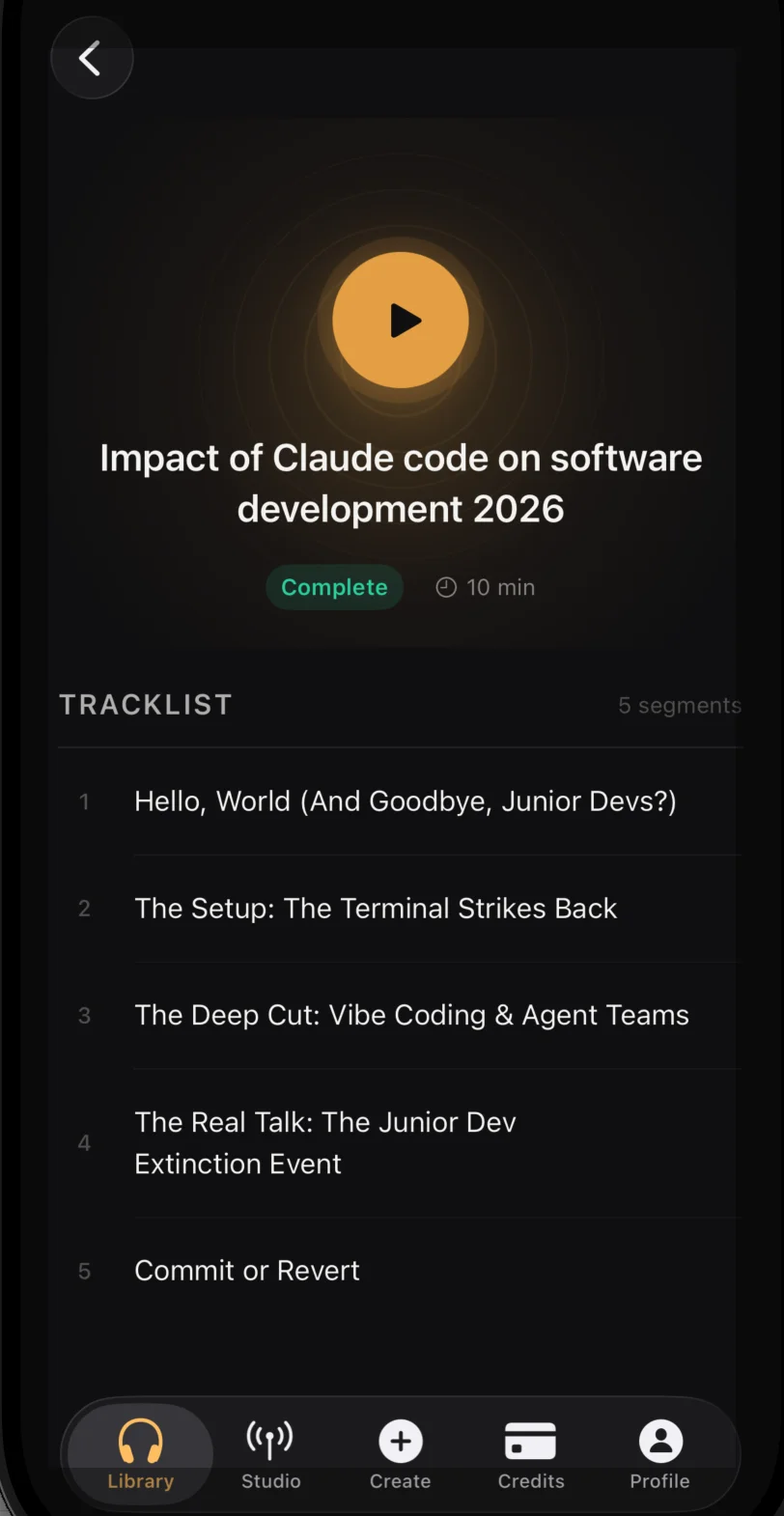
The podcast generation flow has an interactive stage: the AI generates an outline, and you review it before proceeding. On the web, this is an expandable card interface showing each segment's description, talking points, and research sources.
On iOS, Claude built a button that said "Approve." That's it. No outline content. No way to see what you're approving. Same for script review — a button, not an editor.
Audio Didn't Play
The audio player looked correct. Play button, progress bar, lock screen controls. But tapping play did nothing. The URL resolution chain was broken — signed download URLs failed in the dev environment, and the fallback URLs used internal Docker hostnames the Simulator couldn't resolve.
After I fixed the audio and redesigned the podcast detail page with integrated play controls, the persistent mini player bar at the bottom of every tab was redundant. I deleted it. Deleting code that works but shouldn't exist — that's a purely human judgment call.
What Does AI-Generated Code vs a Real Product Look Like?
AI-generated code is architecturally sound but experientially hollow. I'm not complaining — what Claude Code did is remarkable. Going from "I don't know Swift" to a compiling app with auth, IAP, audio playback, and 7-language localization in one evening? That would have taken me months.
But there's a narrative out there — in blog posts, tweets, demo videos — that AI writes the app and you just review it. Ship it. Done.
That's not what happened. Here's what actually happened:
-
Claude built a scaffold that was architecturally sound. The decision to go Supabase-direct (no custom API layer) meant the iOS app talks to the same backend as the web app. Auth, database, realtime, storage — all reused. I only needed one new server-side component (a
verify-ios-purchaseEdge Function). That architectural choice was brilliant and saved enormous time. -
Claude got the hard parts right. Apple Sign-In with a cryptographic nonce via CryptoKit. StoreKit 2 purchase flow with server-side verification.
AVAudioSessionconfiguration for background playback. These would have taken me days to figure out from documentation alone. -
Claude got the product parts wrong. Not wrong as in buggy — wrong as in "this is what a codebase looks like, not what an app feels like."
| What Claude built | What was actually needed |
|---|---|
| A button that says "Approve" | An expandable outline reviewer with research sources |
| System colors on every screen | 24 files of brand tokens, forced dark mode |
| JSON decoder for the documented schema | Custom decoder for what the database actually returns |
| Realtime subscriptions (web pattern) | Realtime + polling fallback (mobile pattern) |
| A creation wizard that functions | A creation wizard that fits on a phone screen |
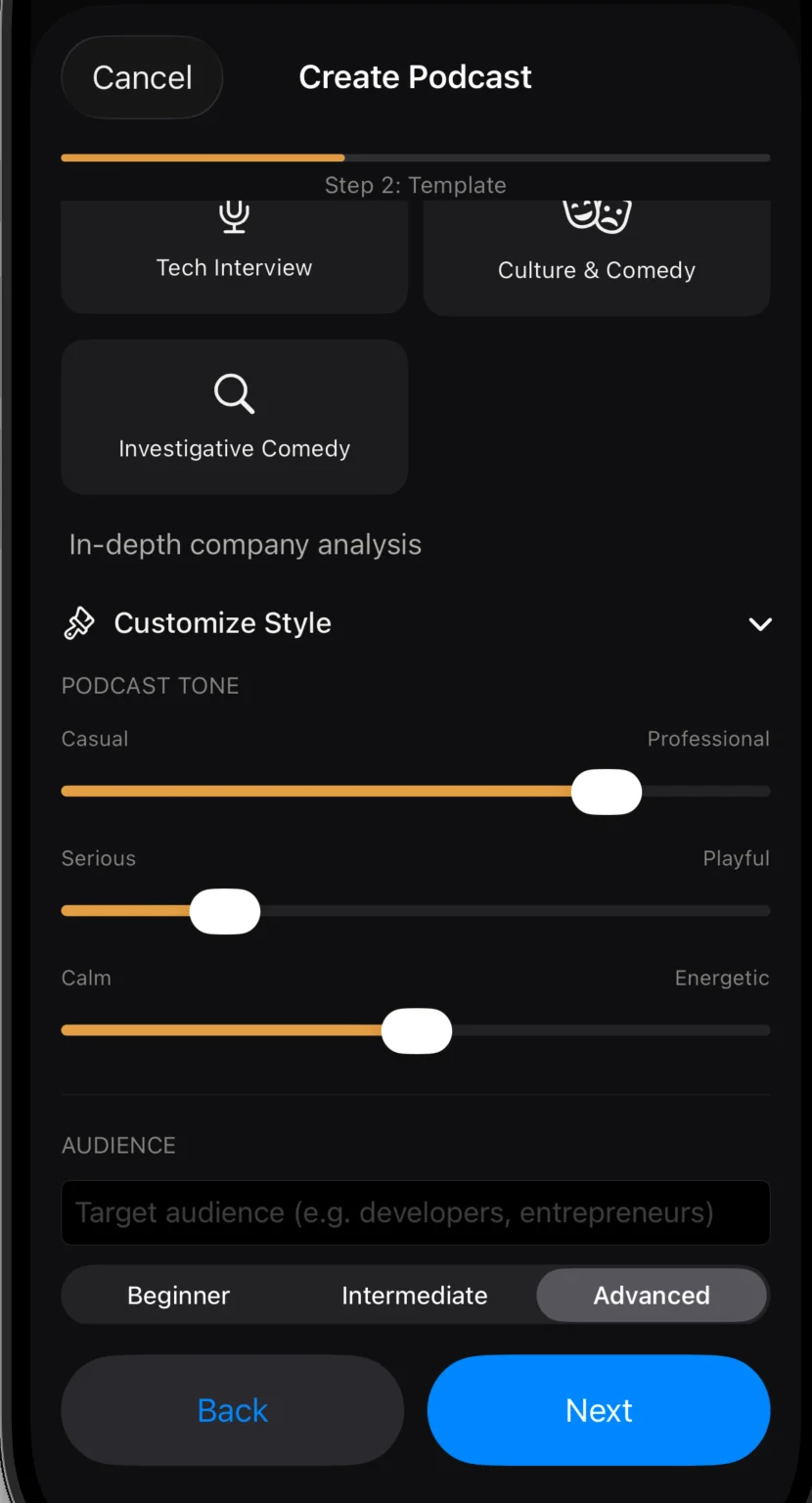
The left column is correct code. The right column is a product.
What Should We Tell the Next Generation About AI?
I wrote a few weeks ago about having a teenage daughter and not knowing what to tell her about her future. About how the execution skills are being automated and the floor for "I can think critically" keeps rising.
Building this iOS app made it sharper — but not in the direction I expected.
The implementation skills — Swift syntax, SwiftUI layout, StoreKit API — I didn't need them. Claude handled all of that. If "learn to code" means "learn the syntax and APIs of a programming language," that advice has an expiration date measured in months, not years.
But here's what I did need: product taste, design judgment, and the discipline to open the Simulator and actually use the thing instead of trusting the code review.
These aren't just "taste." They require critical thinking — real critical thinking, not the buzzword version. The kind where you look at something that compiles, that passes tests, that an AI confidently tells you is done, and you say: "No. This isn't right. Let me show you why."
That's the part we can't outsource. Not yet, maybe not ever. The AI is extraordinary at generating solutions. It's terrible at knowing when a solution is wrong in ways that don't show up in the logs. It doesn't use the product. It doesn't hold the phone. It doesn't feel the frustration of a Done button that eats your work. Someone has to steer. Someone has to stay in the loop. Someone has to provide the gut check that says "this works but it's not good."
Maybe that's what I should tell my daughter. Not "learn to code" — that window is closing. But not "just learn to think critically" either, because that's too vague. Something more specific:
Learn to be the person who opens the Simulator.
Be the one who tests the real thing with real data and notices what's wrong before your users do. Build taste by using great products and awful products and understanding the difference. Develop the confidence to push back on something that's technically correct but experientially broken — even when the thing pushing back against you is an AI that sounds very sure of itself.
The human in the loop isn't a formality. It's the whole product.
I'm still not confident it's enough. But it's the most specific thing I've been able to say so far.
What's the Current State of the iOS App?
Update: DIALØGUE is now live on the App Store. Apple rejected the first submission (broken StoreKit sandbox config), I fixed it the same day, and it passed on resubmission. I wrote the full story of the last 40% — the 16 commits, 195 tests, and everything it took to go from "it compiles" to "it ships."
The "polish phase" I described below turned out to be a second phase of development. The app grew from 69 files to 88, from 7,568 lines to 11,459. My honest revised split: AI builds the foundation (60%), humans build the product (30%), and the App Store submission process teaches you the remaining 10%.
How Fast Is AI Development Actually Accelerating?
Let me update the table that keeps haunting me:
| Project | Complexity | Time to Build |
|---|---|---|
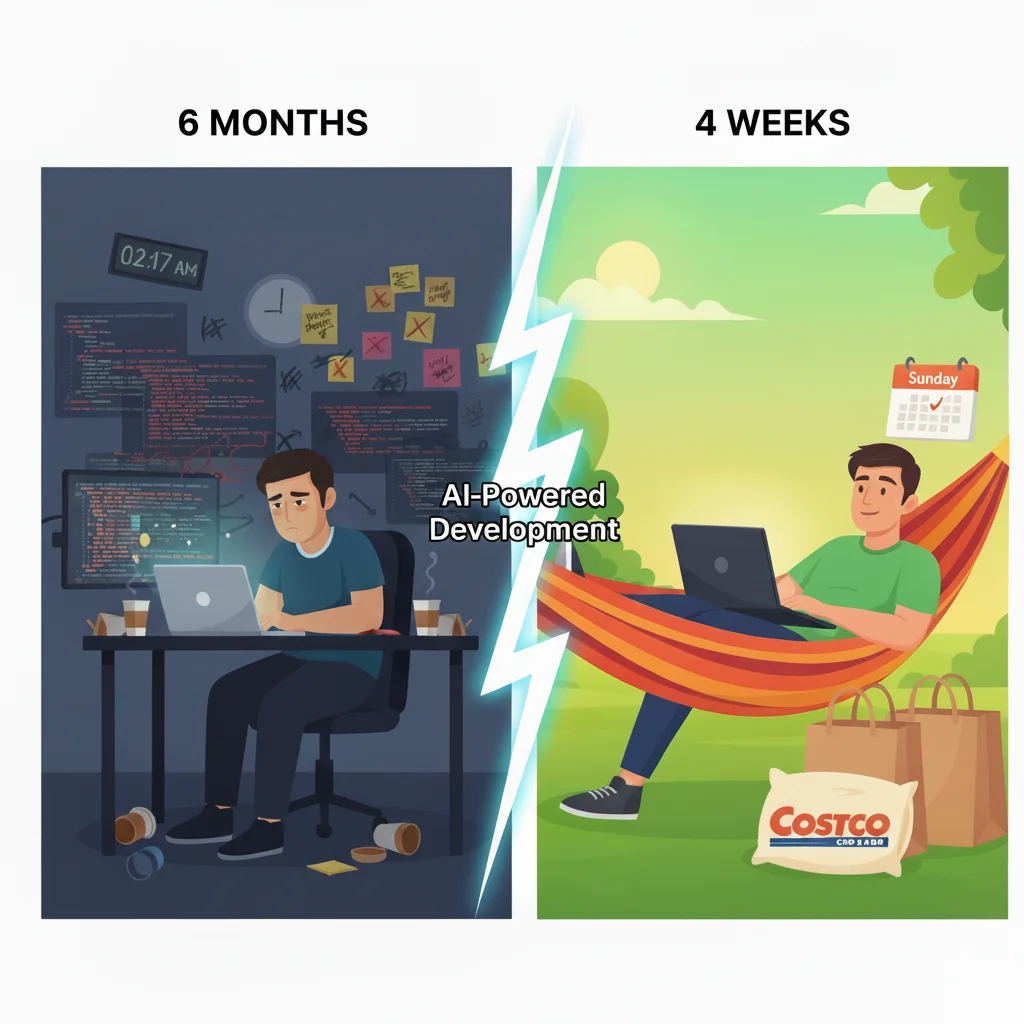
| DIALØGUE v1 | MVP podcast generator | ~6 months |
| STRAŦUM | 10 AI agents, 11 frameworks, multi-tenant | 75 days |
| Site redesign | WordPress frontend overhaul | 3 days |
| DIALØGUE v2 | Complete web app rebuild | 14 days |
| Blog migration | WordPress → Next.js, 490 posts, Sydney RAG | 4 days |
| DIALØGUE iOS | Native iOS app, first time using Swift | ~2 weeks (scaffold: one evening) |
I added a new column in my head: "Time for Claude" vs "Time for me." The ratio keeps shifting. Claude's part gets shorter. My part stays about the same. (I noticed the same pattern when I rebuilt my blog backend in 4 days — the migration was fast, but the 8 days of compounding refinement that followed is where the site actually came together.)
And the tools keep getting better. When Apple and Anthropic announced the Xcode + Claude Agent SDK integration on February 3, it wasn't just a press release. It fundamentally changed what's possible. Claude can now see the Simulator, read build errors, capture Previews, and iterate visually — the exact loop that makes iOS development hard for humans is becoming native to the AI.
Two weeks after that announcement, I started building an iOS app without knowing Swift. That's not a coincidence.
The next person who does this won't need to write a blog post about it. It'll just be... normal. That's what acceleration looks like from the inside — each milestone feels less remarkable than the last, even as the objective distance traveled keeps growing.
That's the thing nobody tells you. The AI is getting faster. The human work isn't. Not yet, anyway.
Frequently Asked Questions
Can you really build an iOS app with AI if you don't know Swift?
Yes — Claude Code scaffolded 69 Swift files and 7,568 lines of code in one evening, including Apple Sign-In, StoreKit 2 in-app purchases, audio playback, and 7-language localization. But "build" is doing a lot of heavy lifting in that sentence. The AI produces a codebase that compiles; turning it into a product you'd actually ship requires extensive human testing, design judgment, and real-data debugging.
What does Xcode 26.3 with Claude Agent SDK change?
Announced on February 3, 2026, the Xcode + Claude Agent SDK integration lets AI agents explore your project structure, search Apple's documentation, capture Xcode Previews, see the Simulator, read build errors, and iterate autonomously. This fundamentally changes what's possible for developers who don't know Swift — the question shifts from "can I learn the language?" to "can I describe what I want?"
What percentage of an AI-built app actually needs human work?
In my experience, the AI gets you roughly 60% of the way — the architecture, the boilerplate, the hard API integrations. The remaining 40% is product work: fixing bugs that only appear with real data, redesigning UIs that function but don't feel right, and making judgment calls about what to keep and what to delete. That 40% is where the product actually lives.
What skills matter most when building with AI coding agents?
Product taste, design judgment, and critical thinking. The implementation skills (syntax, APIs, frameworks) are increasingly handled by AI. What can't be outsourced is the ability to test the real thing with real data, notice what's wrong, and push back on something that's technically correct but experientially broken.
Is the DIALØGUE iOS app available on the App Store?
Yes! As of March 2026, DIALØGUE - AI Podcast Studio is live on the App Store. Apple rejected the first submission (StoreKit sandbox issue), but I fixed it the same day and it passed on resubmission. I wrote a follow-up post about the journey from "it compiles" to "it ships".
Update: The app shipped. The App Store said yes. Still figuring out what to tell my daughter.